The camera scan, in six steps
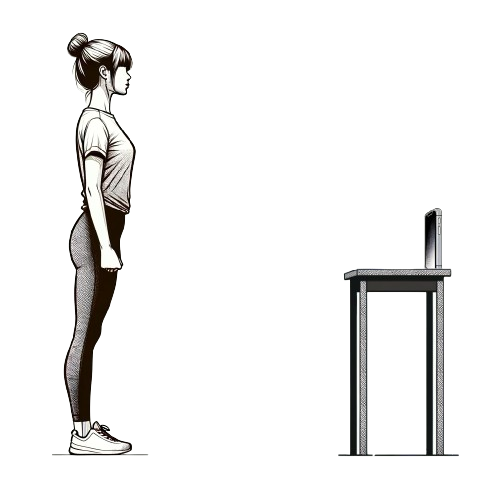
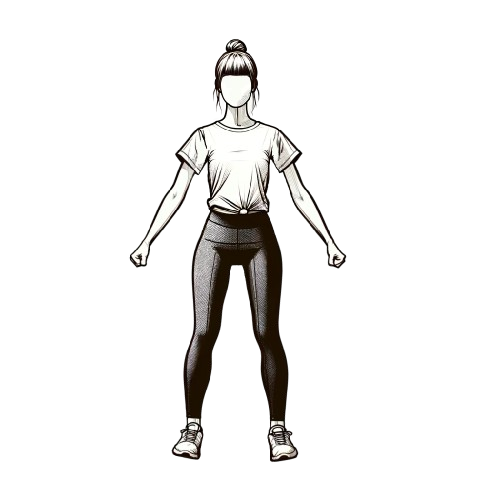
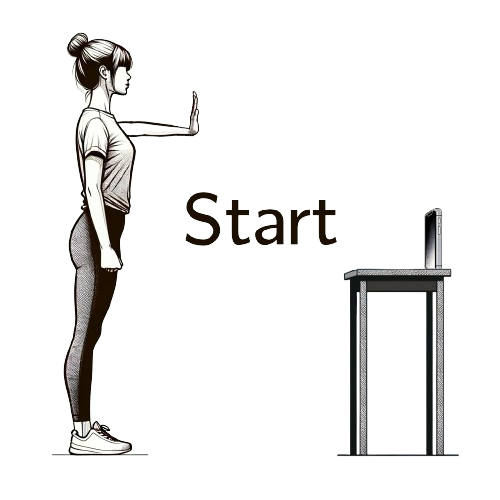
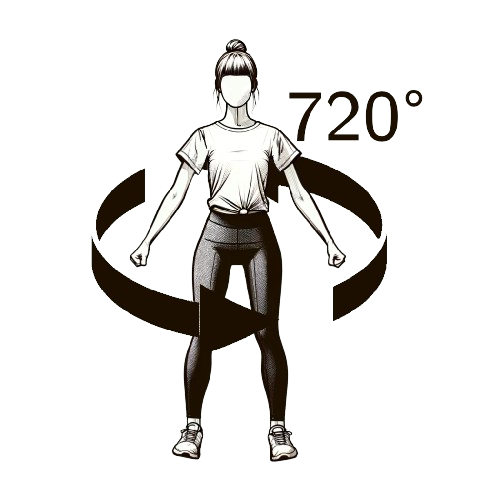
The scan runs on your phone's camera in the browser; nothing is installed. A laptop shows a QR code to continue on your phone, or you type silai.app/scan on the phone. Processing takes about a minute. Wear fitted clothing, keep the room lit with the light in front of you, tie hair back, and keep your whole body, head to feet, inside the frame. You type in your height and, your underbust size (the bra band, for women), because a camera cannot see either and both calibrate the rest.
The sheet that comes back has 21 measurements: bust or chest, underbust, upper chest, waist, hips, shoulder width, arm length, armhole, bicep, thigh, hip to ankle, and the remaining lengths and girths a tailor uses. It works the same way for men and women.
Try the scanner free More about the scanner No account, and you see your own sheet at the end.
How accurate is it?
On average, each measurement lands within about 2% of the true value: a hip that really measures 100 cm usually comes back between 98 and 102 cm. Two things tighten it further: following the on-screen steps carefully, and entering your underbust size, which Silai uses to calibrate all girth measurements. Your tailor always receives the full measurement sheet, so for a critical piece they can ask you to confirm a key number with a tape.
That accuracy sits inside the ease a tailor adds to almost every garment, 2 to 5 cm on a fitted blouse, 8 to 12 cm on a kurta, more on a jacket, and it is more consistent than a tape held one-handed behind your own back. Where the scan is weakest is where a tape is too: loose clothing, bad light and a body only half in the frame. The guides below tell you the two or three numbers worth confirming by hand for each garment.
The measurements, and how to take them with a tape
These are the ten measurements Silai compares when scoring fit, plus the band. Use a soft measuring tape, snug but never tight, over fitted clothing or none. Each links to a full guide with a size chart.
- Height: head to feet, standing straight against a wall, no shoes.
- Bust or chest: around the fullest part of the chest, tape level all the way around.
- Underbust (bra band): around the ribcage directly under the bust, or for men just under the chest muscles, tape level and snug. For women it is the number on the bra label, 70 to 120 cm.
- Waist: around the natural waistline, the narrowest point above the navel.
- Hips: around the fullest part of the hips and seat.
- Shoulder width: across the back, shoulder bone to shoulder bone.
- Arm length: shoulder bone to wrist, arm relaxed and slightly bent.
- Armhole: around the shoulder joint, under the armpit and back over the top.
- Bicep: around the fullest part of the upper arm.
- Thigh: around the fullest part of the upper leg.
- Hip to ankle: a length, from the hip bone straight down to the ankle bone. Sets where hemlines fall, with the inseam.
Three habits make tape measurements reliable: keep the tape level all the way round (a mirror shows the back), read at the end of a normal breath with nothing pulled in, and write each number with its unit the moment you read it. Measure anything that surprises you a second time. The body measurement chart turns the numbers into a size, the size calculator does it for you, and the printable measurement form gives a tailor every field on one sheet.
Body measurement guides
Guides by garment
Measuring for something specific? Each guide lists exactly what that garment needs, with charts and the usual mistakes.
Why fit scores use these, and who sees your numbers
When you browse Pre-Loved, Silai compares every measurement you and the garment share from the list above. A piece that would sit more than about 10% tight anywhere is marked not your fit; roomier differences are shown as loose, which a tailor can usually take in. The chart on each listing shows exactly which measurement sits where, so you and the seller can talk specifics instead of guessing.
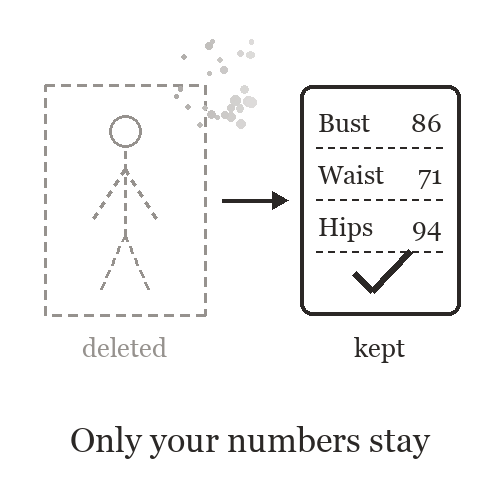
Your measurements are shown only to the tailor or seller you contact for a specific order. They are not on your profile, nobody can browse them, and the scan frames are deleted the moment the numbers are calculated. In the free demo they are not stored at all.